Creating the Perfect Veteran Tribute Video: A Complete Guide
Veteran tribute videos are powerful ways to celebrate a lifetime of service. Whether you're creating a tribute for a family member, a fallen soldier, or a milestone celebration, this guide will walk you through the entire process of creating a professional, meaningful tribute video.
Step 1: Gather Your Materials
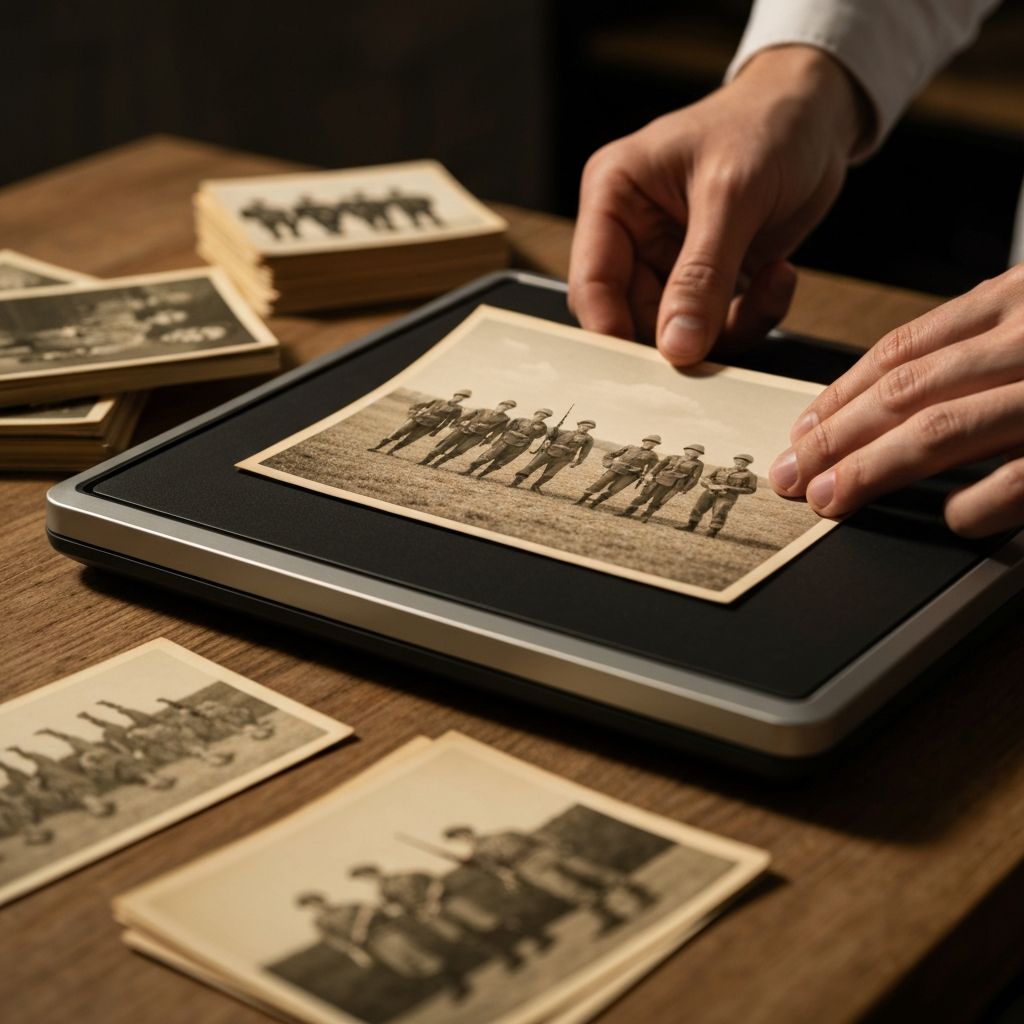
Before you begin, collect all relevant photos, documents, and memorabilia. Organize these materials chronologically:
- •Recruitment and training photos
- •Deployment photos and memories
- •Family moments during service
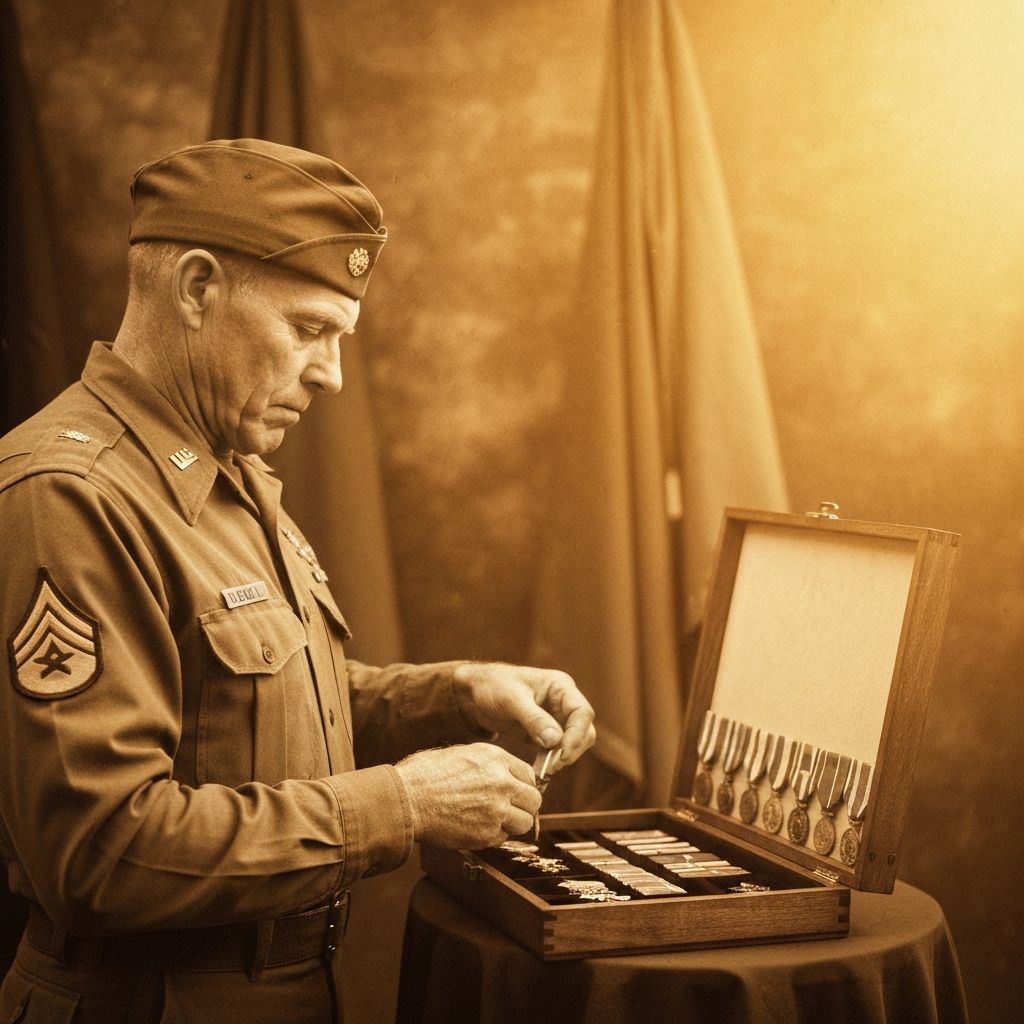
- •Medals, commendations, and service records
- •Any written reflections or letters
Digitize any physical photos using a quality scanner at 300+ DPI to ensure clarity in your final video.
Step 2: Choose the Right Music
Music is the emotional backbone of any tribute video. Select pieces that:
- •Match the tone and era of the service
- •Complement the pacing of your photos
- •Honor the significance of military service
- •Resonate with the subject's personality
Consider using both instrumental and vocal pieces, but ensure all music is properly licensed or from royalty-free libraries.
Step 3: Structure Your Narrative
Organize your video with a clear narrative arc:
Opening (10-15 seconds): Establish the subject and their service
Early Service (20-30 seconds): Training, first assignments
Mid Service (30-40 seconds): Deployments, key moments
Relationships (20-30 seconds): Family, friendships, bonds
Achievements (15-20 seconds): Medals, recognition, legacy
Closing (10-15 seconds): Reflection, impact, tribute
Step 4: Create Smooth Transitions
Transitions between photos should feel natural and purposeful. Use:
- •Ken Burns effect (slow zoom and pan)
- •Fade transitions for emotional moments
- •Subtle reveals for significant milestones
- •Synchronized transitions to music beats
Avoid jarring cuts or overly flashy effects that distract from the content.
Step 5: Add Meaningful Text and Captions
Include text elements that identify locations and dates, highlight achievements and ranks, include meaningful quotes, provide context for key photos, and express gratitude and respect.
Keep text readable and on-screen long enough for viewers to absorb the information.
Step 6: Incorporate Audio Narration
Consider adding professional or personal narration that introduces the service member, provides context for photos, shares personal anecdotes, expresses gratitude, and closes with a meaningful message.
A veteran's own voice narrating their story adds tremendous authenticity and power.
Step 7: Fine-Tune the Timing
Ensure your video has a natural pace. Most tribute videos work best in the 3-5 minute range. Check that transitions flow smoothly, photos remain visible long enough to appreciate, music and content are synchronized, and the emotional arc feels natural.
Step 8: Get Feedback
Share your draft with family members or close friends. Ask for emotional reactions, suggestions for improvements, any errors in information, and ideas for additional content.
Tips for Maximum Impact
Keep it authentic: The most powerful tribute videos feature genuine moments, not staged perfection.
Honor the story: Let the service member's journey guide your creative choices.
Include others: Incorporate photos and perspectives from fellow service members when possible.
Preserve the details: Include dates, locations, and unit information for historical accuracy.
Share widely: Create versions for different platforms — family sharing, memorial services, social media.
Final Thoughts
Creating a veteran tribute video is a labor of love that honors a life of service. Take your time, stay true to the story, and let the photos and music tell the tale. The result will be a timeless tribute that can be shared and cherished for generations.
Start creating your tribute video today. Your veteran's story deserves to be remembered.
About the Author
Sarah Chen is a dedicated writer passionate about preserving military memories and honoring the service of veterans and their families. Contributing insights and guidance to help everyone preserve their most cherished moments.
Ready to Create Your Memory Film?
Transform your Army photos into beautiful animated films with our easy-to-use tool. Preserve your memories for generations to come.
Start Creating NowPublished
March 10, 2026
Reading Time
8 min read
Category
How-To